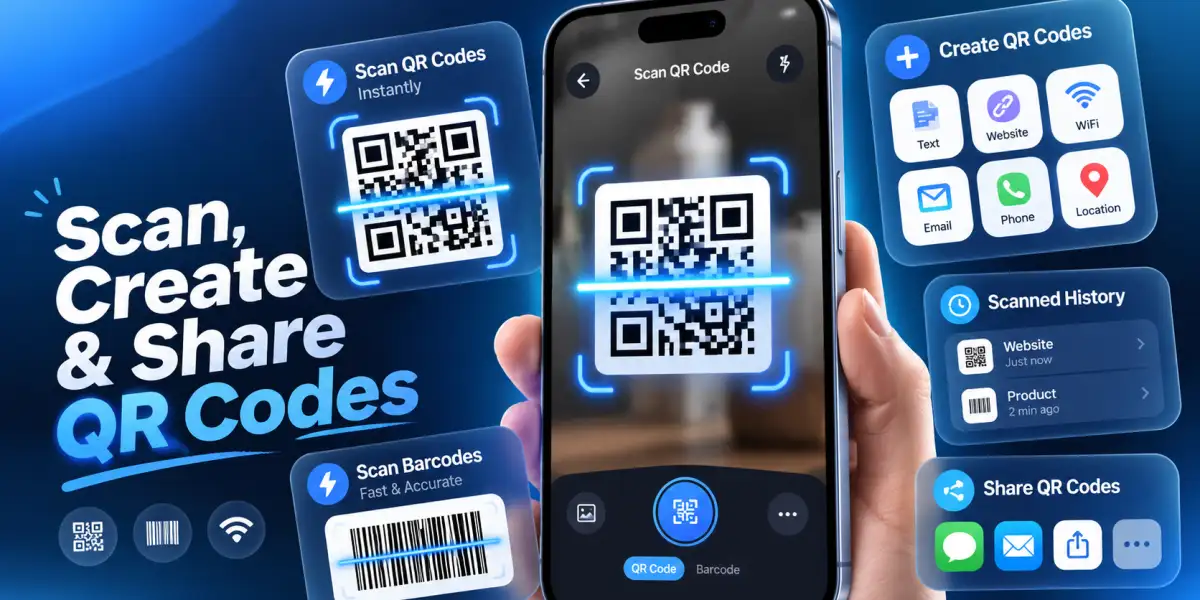

Sharing information no longer requires typing long website addresses, entering phone numbers manually, or exchanging printed business cards. A QR code allows people to access digital information simply by scanning an image with their smartphone camera.
Whether you want to share a website, contact information, WiFi network, or message, a custom QR code generator makes the process convenient. QR-Code Scanner & Barcode is an iPhone app that helps users create, scan, save, and share QR codes for everyday personal and business activities.
What Information Can You Turn Into a QR Code?
A QR code is a two-dimensional barcode that stores information in a machine-readable pattern.
Unlike traditional product barcodes, QR codes can contain different types of digital information.
For example, you can create:
-
Website QR codes: Share websites, online portfolios, or product pages.
-
Text QR codes: Display messages, instructions, or other written information.
-
Contact QR codes: Share names, phone numbers, and contact details.
-
Email and SMS QR codes: Help people prepare messages using predefined information.
-
WiFi QR codes: Allow compatible devices to access network connection details.
Using a QR code maker for iPhone, you can generate these codes without manually designing barcode patterns.
Create a Website QR Code in Minutes
Imagine running a small business and wanting customers to visit your website without typing its address.
Open QR-Code Scanner & Barcode and navigate to its QR code creation feature.
Choose the website or URL category and enter the complete web address.
Generate the QR code and review the result before sharing it.
Test the code with a smartphone camera to confirm that it opens the intended destination.
A website QR code generator is useful for business cards, promotional materials, restaurant menus, event invitations, and printed advertisements.
How Do You Make a QR Code for Contact Details?
A contact QR code makes sharing personal or professional information easier.
Instead of asking someone to save your name and phone number manually, you can generate a scannable digital contact card.
QR-Code Scanner & Barcode supports contact-related QR code creation.
Enter the relevant contact information, generate the code, and share it with the intended recipient.
When scanned using a compatible device, the code can present information that helps the recipient create a contact entry.
For privacy, include only the details you want others to receive.
Turn Text Messages Into Scannable Codes
Not every QR code needs to open a website.
A text QR code generator can encode written information directly into a scannable format.
For example, you might create a QR code containing event instructions, a short welcome message, or important visitor information.
The recipient can scan the code to view its contents without typing anything.
QR-Code Scanner & Barcode also supports email, SMS, and phone-number QR code categories, providing flexibility for different sharing needs.
Save, Scan, and Manage Your QR Codes
Creating codes is only part of effective QR code management.
The app includes scanning history, image-based QR reading, and sharing features that help users organize digital information.
Its private QR vault provides biometric protection using Face ID or Touch ID on supported devices.
This can be useful when storing personal QR codes or network-related information.
Before distributing a generated code, always test its readability and verify the encoded content.
Make Information Sharing Easier With QR Codes
A free QR code generator app for iPhone can simplify how you share websites, text, contact information, and WiFi details.
With custom QR code creation, barcode scanning, saved scan history, and private storage, QR-Code Scanner & Barcode brings several practical tools together.
Whether you need a contact QR code maker, WiFi QR code generator, or QR code scanner for iPhone, the app provides a convenient way to create and manage scannable information for everyday use.